Gå till innehåll
View in the app

A better way to browse. Learn more.

Saltvattensguiden

A full-screen app on your home screen with push notifications, badges and more.

To install this app on iOS and iPadOS
  1. Tap the Share icon in Safari
  2. Scroll the menu and tap Add to Home Screen.
  3. Tap Add in the top-right corner.
To install this app on Android
  1. Tap the 3-dot menu (⋮) in the top-right corner of the browser.
  2. Tap Add to Home screen or Install app.
  3. Confirm by tapping Install.

Topplista

Populärt innehåll

Visa innehåll med flest reaktioner på 2026-06-12 i alla kategorier

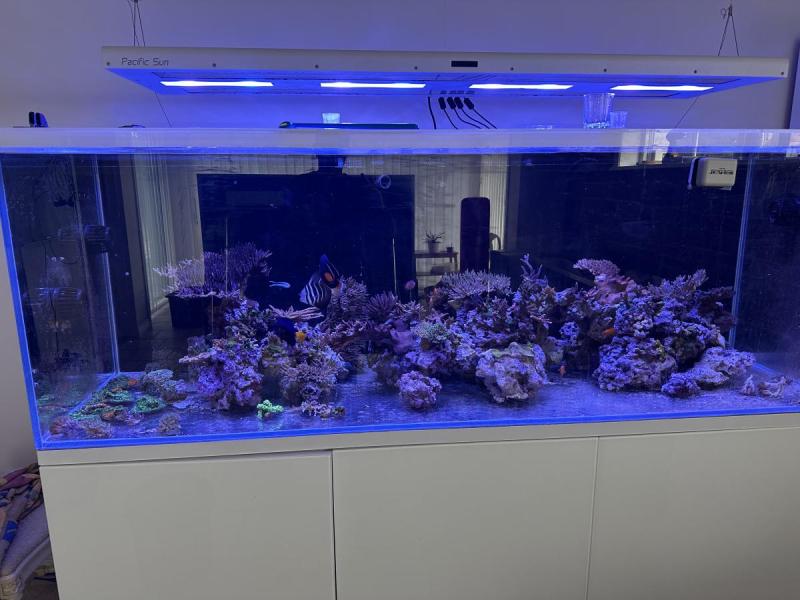
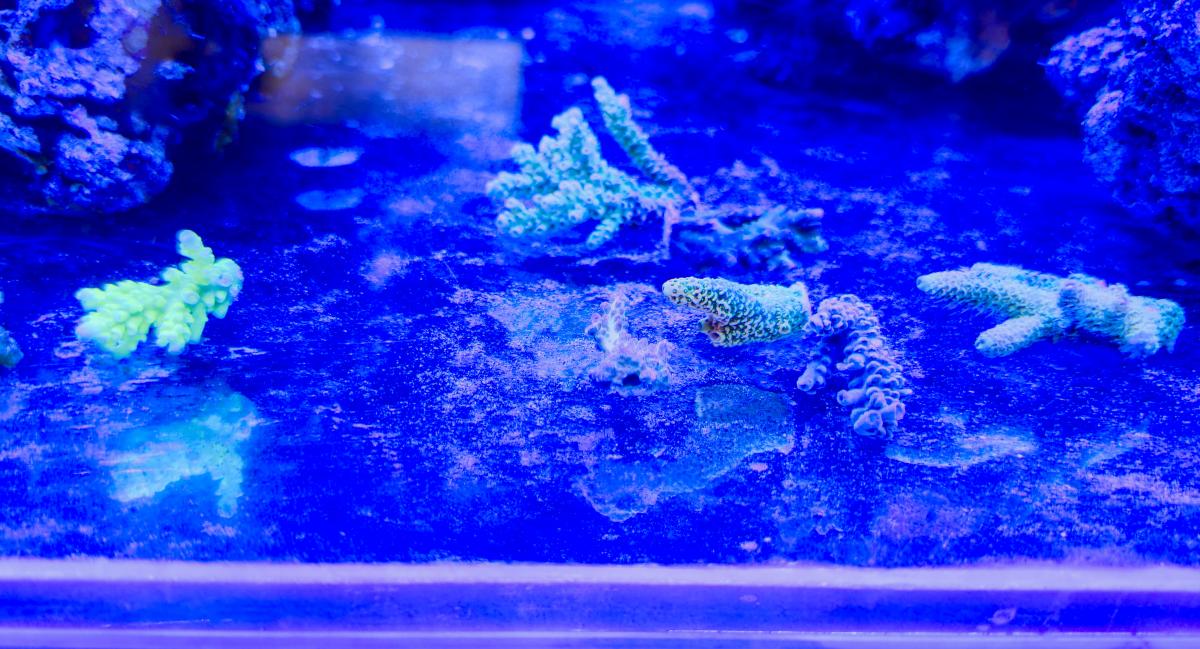
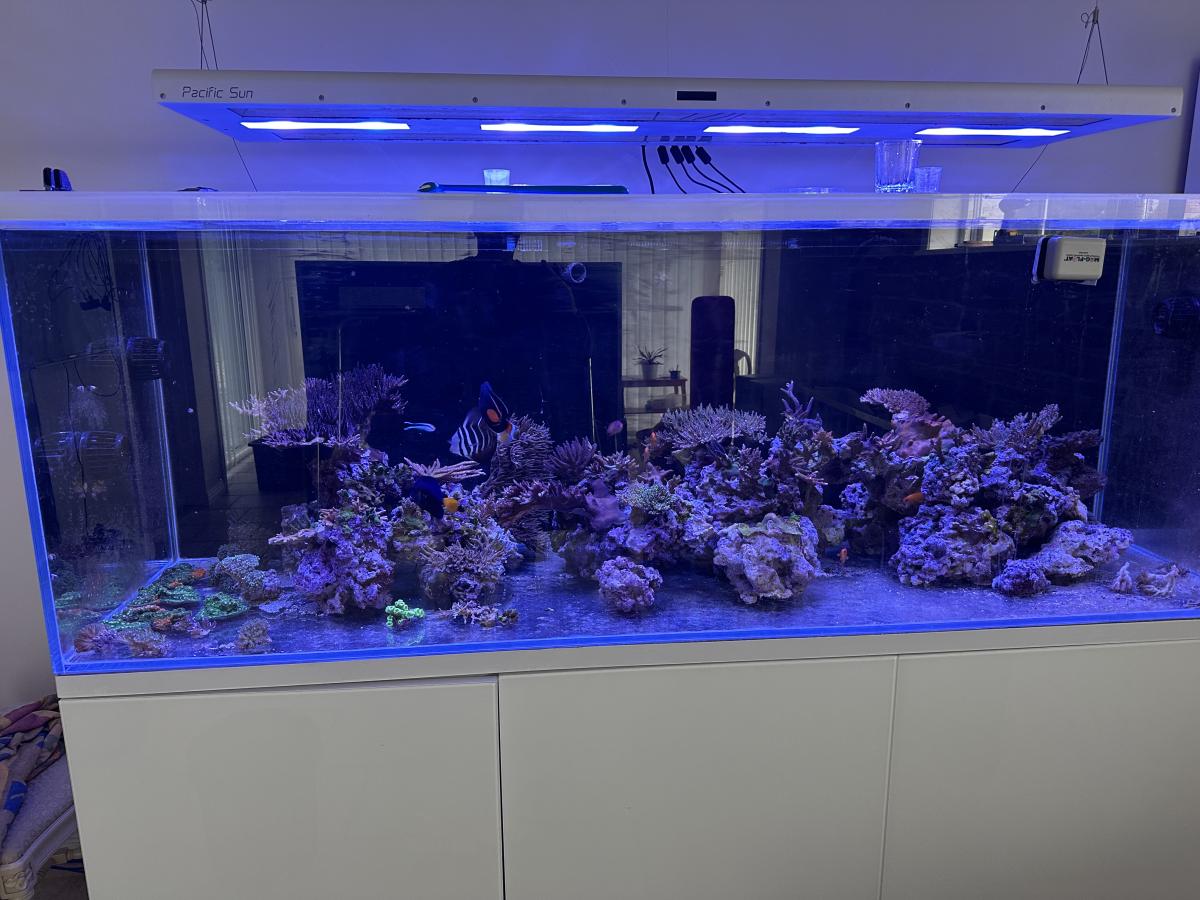
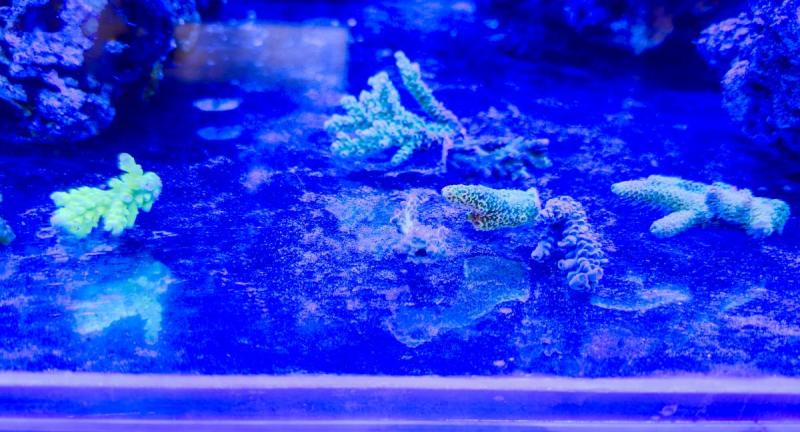
  1. Då har mina gamla fiskar åkt ner i karet. Idag blev det ett besök på @Salt i Väst i samband med besök till ”Sveriges framsida”… 😊 Fick med mig ett antal riktigt fina high-end Acropora fraggar. Väldigt imponerad av korall-odlingen! Foto från blåljus från kväll. Fick även med mig 4 fina fiskar som nu simmar i karantän.
This leaderboard is set to Stockholm/GMT+02:00

Account

Navigation

Sök

Sök

Configure browser push notifications

Chrome (Android)
  1. Tap the lock icon next to the address bar.
  2. Tap Permissions → Notifications.
  3. Adjust your preference.
Chrome (Desktop)
  1. Click the padlock icon in the address bar.
  2. Select Site settings.
  3. Find Notifications and adjust your preference.